
This guide covers installation, configuration, operation, and troubleshooting for the Servotronix CDHD series of 120/240 VAC and 400/480 VAC servo drives.
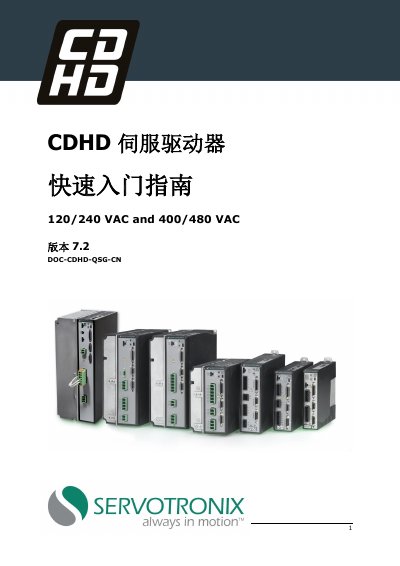
The Servotronix CDHD Quick Start Guide provides essential instructions for setting up and operating the CDHD series AC servo drives. It covers various models compatible with different power supplies (120/240 VAC and 400/480 VAC) and communication protocols including Analog, CANopen, EtherCAT, and PWM Power Blocks.
The document details hardware requirements, installation steps, wiring configurations for controller and machine interfaces, motor feedback connections, and safety features like Safe Torque Off (STO). It also includes instructions for installing the ServoStudio software to configure and test the drive. This manual is written in Chinese.
| Input Voltage (120/240 VAC) | Single Phase 120 L-L VAC +10% -15% 50/60 Hz |
|---|---|
| Input Voltage (400/480 VAC) | Three Phase 400 L-L VAC +10% -15% 50/60 Hz |
| Control Power Supply | 24 VDC input for control board power supply |
ServoStudio is the recommended graphical user interface software used for configuring and testing the drive.
The system requires a 2 GHz CPU, 1 MB RAM, and 1000 MB of hard disk space.
Connect jumper pin 4 to pin 1, and connect pin 3 to pin 2 to skip STO.