
Quick start guide for the Servotronix CDHD servo drive with installation steps, wiring diagrams, safety notes and configuration instructions.
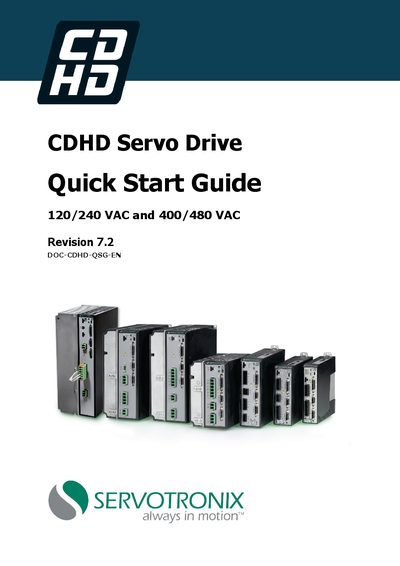
This Quick Start Guide provides the essential information needed to install, wire, and configure a CDHD servo drive. It covers safety precautions, required hardware and tools, computer system requirements, and step‑by‑step installation procedures.
The guide also includes wiring and pin‑assignment diagrams, power board details for 120/240 VAC and 400/480 VAC models, and an overview of the ServoStudio software used for drive configuration and testing.
| Supported input voltages | 120/240 VAC and 400/480 VAC |
|---|---|
| Continuous current (model CDHD‑4D5) | 4.5 A rms |
| Peak current (model CDHD‑4D5) | 18 A rms |
| Safe Torque Off (STO) certification | Functional Safety Certified |
| Analog input resolution (Power Block 1) | 16‑bit |
Use either a USB 2.0 A‑to‑Mini‑B cable for the USB interface or a 4‑pin‑4‑cable (4p4c) for the RS232 interface.
The drive address is set using the rotary switches on the drive.