
This guide covers installation, wiring, and configuration for the Servotronix DDHD AP dual-axis servo driver using ServoStudio software.
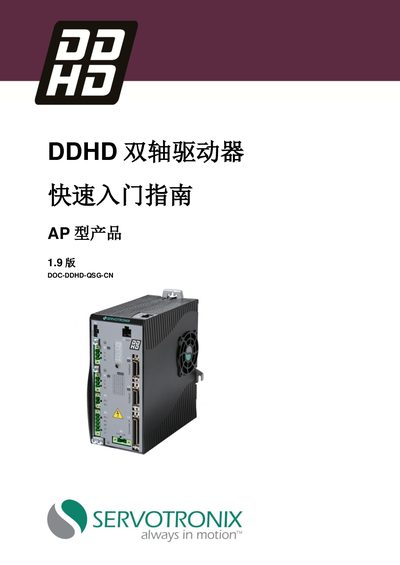
The Servotronix DDHD is a high-performance dual-axis servo drive designed for medium to low voltage systems. This Quick Start Guide provides step-by-step instructions for installing the hardware, connecting power and feedback signals, and configuring the device via software.
To operate the system, users must install the ServoStudio graphical interface on a compatible Windows computer (XP/7/8). The guide details how to set driver addresses using rotary switches, connect RS232 communication cables, wire motor phases and encoders, and configure parameters within the software environment. This manual is written in Chinese.
| Continuous Current (Axis 1) | 6.8 A rms |
|---|---|
| Peak Current (Axis 1) | 18.0 A rms |
| Continuous Current (Axis 2) | 3.4 A rms |
| Peak Current (Axis 2) | 12.3 A rms |
| Digital Inputs | 8 inputs |
| Digital Outputs | 10 outputs |
ServoStudio, a graphical interface used for configuring and detecting the drive.
The computer must have a 2 GHz CPU, 1 GB RAM, and 1000 MB of available hard disk space.
The software supports Windows XP SP3, Windows 7, and Windows 8 (32-bit or 64-bit).