
This manual provides instructions for the safe installation, operation, maintenance, and troubleshooting of the Seiko Epson TM-T70II thermal printer.
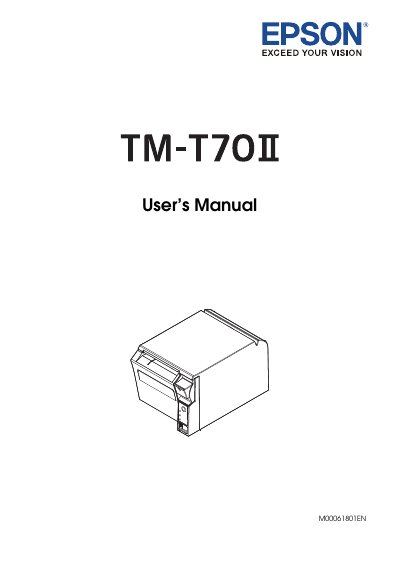
The Seiko Epson TM-T70II is a thermal line printing device designed for receipt generation. This user's manual covers essential safety precautions, including warnings about hot components like the thermal head and autocutter blade, as well as proper power source usage to prevent fire or electric shock.
The document details the setup process, which includes downloading drivers from Epson websites (epsonexpert.com or download.epson-biz.com), installing the printer horizontally with a maximum tilt of 3°, and loading roll paper. It also provides troubleshooting steps for common issues such as error lights, overheating, and paper jams.
| Printing method | Thermal line printing |
|---|---|
| Paper width (80mm model) | 79.5 mm ± 0.5 mm |
| Paper width (58mm model) | 57.5 mm ± 0.5 mm |
| Maximum roll paper diameter | 83 mm |
| Operating temperature | 5 to 45°C |
| Overall dimensions | 114 × 125 × 194 mm (H × W × D) |
| Weight | Approx. 1.7 kg |
The printer must be installed with a maximum tilt of 3° to ensure proper operation and cover closure.
Epson recommends cleaning the thermal head periodically, generally every 3 months, to maintain receipt print quality.