
Instructions for setting up wireless network connections (Wi-Fi, Ad Hoc) and troubleshooting for Seiko Epson printers on Windows 7, XP, and Mac OS X.
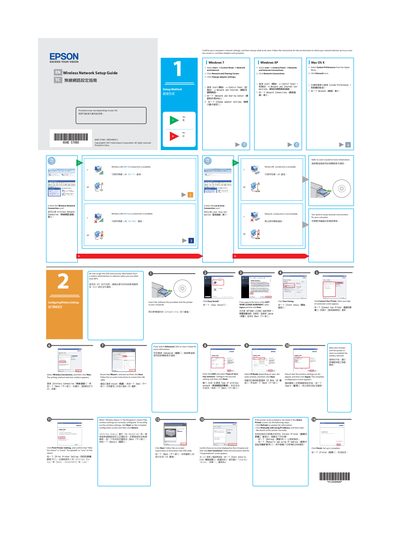
This guide provides step-by-step instructions for configuring wireless network settings for a printer. It covers setup procedures for various operating environments including Windows 7, Windows XP, and Mac OS X. Users are directed to confirm computer network settings before proceeding with the printer configuration wizard.
Click Refresh to update the information, or click Manually add using IP address and enter the details of the printer manually.
You must get the SSID and security information from a system administrator in advance.