
This manual covers the setup, operation, and troubleshooting of the Seiko Epson TM-U325D POS printer, including installation, paper handling, and…
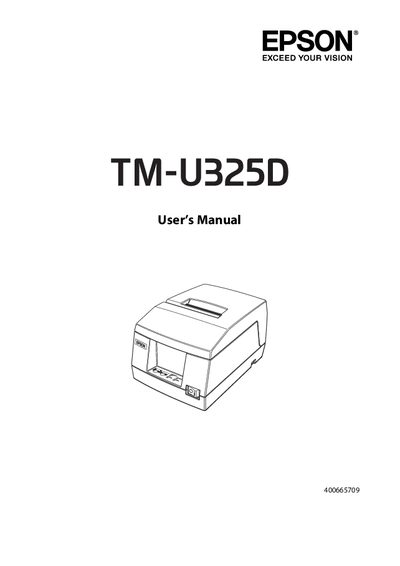
The Seiko Epson TM-U325D is a high-quality POS printer designed for receipt and validation paper printing. It features excellent reliability with a stepping motor for both carriage movement and paper feeding, compact design, and high-speed logic-seeking control. The printer supports multiple-line validation printing (up to 9 lines) and conforms to the ESC/POS standard for universal control.
| Printing Method | Serial impact dot-matrix |
|---|---|
| Head wire configuration | 9-pin serial configuration |
| Printing Direction | Bi-directional, logic-seeking |
| Printing speed | Approx. 3.5 lines/second (40 columns, 16 cpi) |
| Roll paper inner core diameter | 10.5 to 12.5 mm |
The printer can print a maximum of 9 lines for validation.
The printer supports selectable character fonts of 7 × 9 and 9 × 9.
Yes, it has a built-in drawer kick-out interface capable of driving two drawers.