
This Quick Setup Guide provides multilingual instructions for unpacking, connecting, and operating Samsung Display Solutions, including safety and…
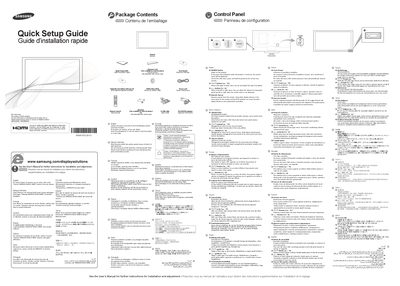
The Quick Setup Guide walks you through unpacking the product, checking the package contents, and setting up the display. It includes step‑by‑step instructions for connecting power, using the control panel, and operating the remote sensor, with safety and disposal information.
The guide is provided in many languages and also points to the full User Manual for detailed installation and adjustment. It contains troubleshooting advice for power‑LED issues, cable connections, and "Not Optimum Mode" warnings, as well as contact details for Samsung worldwide customer service.
Make sure the power cord is connected and the device is powered on.
It appears when the graphics‑card signal exceeds the product's maximum resolution and frequency; adjust the resolution and refresh rate according to the Standard Signal Mode Table.
Press the power button while the product is on, then press and hold the panel key for at least one second to exit the menu.