
This guide covers the quick installation, configuration, and verification of the Rosemount 928 wireless gas monitor, including sensor mounting and battery…
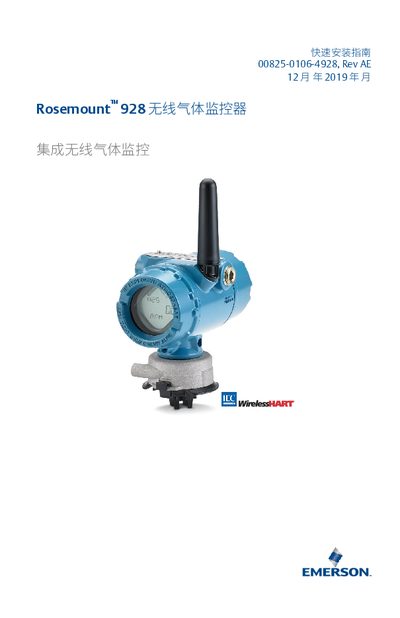
This document serves as a Quick Installation Guide for the Rosemount 928 Wireless Gas Monitor. It provides essential instructions for installing the sensor and the Emerson 701 SmartPower battery module, configuring the device via the setup wizard, and calibrating the sensor. The guide also details how to verify wireless communication and operational status. This manual is written in Chinese.
| Compatible Transmitter | Rosemount 928 |
|---|---|
| Power Module | Emerson 701 SmartPower |
| Battery Type | Two No. 2 (C) primary lithium batteries |
| H2S Preheat Time | One minute |
| O2 Preheat Time | Seven minutes |
| CO Preheat Time | One minute |
The maximum preheat time for Oxygen is seven minutes.
No, do not try to clean the IP filter or rinse it with water.
The device will stop working.