
User manual for the RDG100T/RDG160T electronic room thermostat, covering operating modes, temperature and fan adjustment, scheduling, and control parameters.
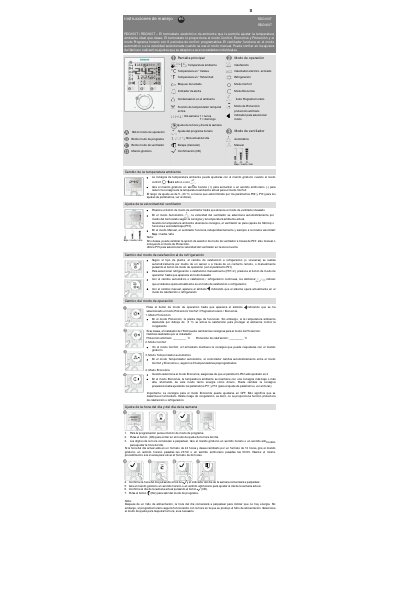
The RDG100T/RDG160T is an electronic room thermostat that lets users set the desired room temperature. It provides Comfort, Economy, and Protection modes, plus an Automatic Timer mode with eight programmable comfort periods.
The fan can run automatically or at a selected speed in manual mode. Users can adjust the temperature with the rotary knob, set the time and day, configure up to eight schedule programs, and change control parameters such as sensor calibration and setpoint limits. This manual is written in Spanish.
| Temperature setting range | 5...40 °C |
|---|---|
| Sensor calibration range | -3...3 K |
| Default comfort basic setpoint | 21 °C |
| Minimum Comfort mode setpoint limit | 5 °C |
| Maximum Comfort mode setpoint limit | 35 °C |
Turn the rotary knob clockwise to increase the setpoint or counterclockwise to reduce it.
The thermostat offers Protection, Comfort, Automatic Timer, and Economy modes.
Press and hold the fan mode button for three seconds.
The default comfort basic setpoint is 21 °C.