
Brookfield 106 Temperature Controller User Manual. This temperature controller has three control modes: single setpoint mode, temperature/time program mode, and remote mode. The single setpoint mode can only set 1 temperature point. When the set temperature is reached, the instrument will keep the temperature constant until a new temperature point is re-entered. The program mode can set up to 10 temperature points, and each temperature point can be set with a different holding time. The remote mode is controlled by the computer.
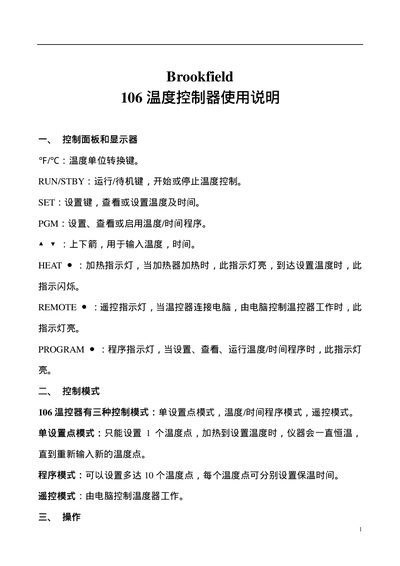
The Brookfield 106 is a temperature controller designed for laboratory and process applications. It features a display, temperature unit conversion, run/standby, and program keys, as well as indicator lights for heating, remote control, and program status.
The manual describes the control panel layout, three operating modes (single set‑point, program, and remote), and step‑by‑step procedures for setting temperatures, configuring up to ten temperature points, selecting hold or stop behavior, and running or exiting programs. This manual is written in Chinese.
| Maximum number of temperature points | 10 |
|---|---|
| Number of control modes | 3 |
Press the SET key, adjust the temperature with the arrow keys, press SET again to confirm, then press RUNSTBY to start heating.
The controller can be programmed with up to ten temperature points.
Use the up/down keys to select Hold (maintain temperature) or Stop (cool down) and press SET to confirm.