
This manual provides operating instructions, safety warnings, and technical specifications for the Phonic MAX250 and MAX500 power amplifiers.
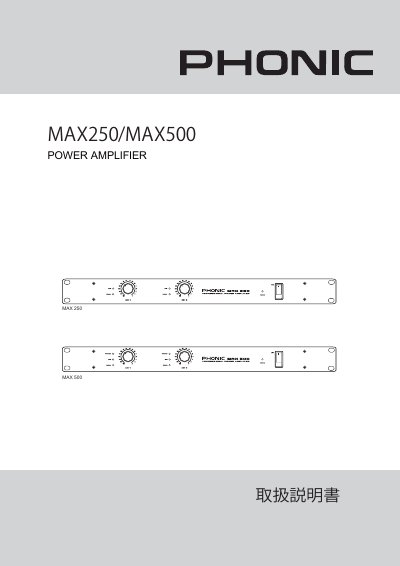
This document is the user manual for the Phonic MAX250 and MAX500 power amplifiers. It covers essential safety precautions, preparation steps, and detailed descriptions of the front and rear panel controls. The guide explains how to operate the gain controls, switch between stereo and parallel modes, and utilize the built-in protection features such as short circuit and thermal protection. This manual is written in Japanese.
| Output Power (MAX250) | 120W @ 4Ω, 80W @ 8Ω |
|---|---|
| Frequency Response | 20 Hz-20KHz, +0/-1dB |
| Dimensions (MAX250) | 482 x 44 x 250 mm |
Use the slide switch on the rear panel, but ensure the power is turned OFF before switching.
It indicates that the protection function has been activated to prevent damage to the circuit.