
This is a user manual for Phonic ICON300/ICON700 CONTRACTOR POWER AMPLIFIER
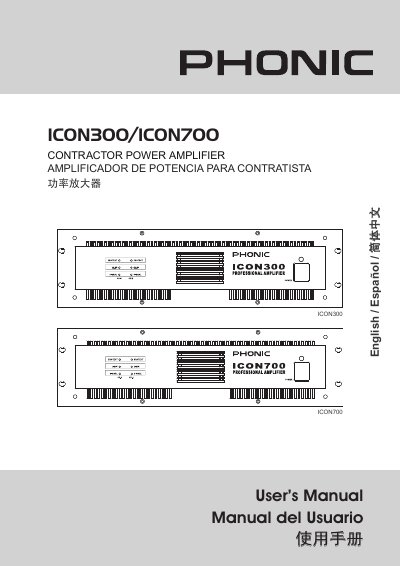
This manual introduces the Phonic ICON300 and ICON700 contractor power amplifiers, professional‑grade devices designed for constant‑voltage line applications. It outlines key features such as dual‑speed fan cooling, selectable stereo/bridge/parallel modes, XLR and barrier‑strip inputs, and comprehensive protection circuits.
The document details front‑panel controls, rear‑panel connections, balanced barrier‑strip input and output wiring, audio‑transformer outputs, and parallel‑mono configurations. Safety precautions, installation guidelines, and full technical specifications are included to ensure reliable and safe operation.
| Direct Power Output (8 Ω) | 120 W × 2 per channel |
|---|---|
| Direct Power Output (4 Ω) | 200 W × 2 per channel |
| Bridged Mono Power (8 Ω) | 420 W (ICON300) / 850 W (ICON700) |
| Frequency Response (Direct Outputs) | 50 Hz – 50 kHz (+0/‑2 dB) |
| Frequency Response (Isolated Outputs) | 50 Hz – 16 kHz (+0/‑2 dB) |
| Total Harmonic Distortion | < 0.05 % |
| Sensitivity (full output) | 1.02 V |
| Voltage Gain | 28 dB (ICON300) / 32 dB (ICON700) |
| Input Impedance | 20 kΩ balanced / 10 kΩ unbalanced |
| Damping Factor (direct output) | > 200 |
| Signal‑to‑Noise Ratio | < 100 dB (20 Hz‑20 kHz) |
| Dimensions (H × W × D) | 132 mm × 480 mm × 428 mm |
| Net Weight | 24.3 kg |
| Shipping Weight | 26.0 kg |
Read all instructions, keep the unit away from water or condensation, clean only with a dry cloth, do not block ventilation openings, and use the proper polarized or grounding plug.
Turn the Stereo/Parallel/Bridge switch to Bridge, connect the audio signal to channel 1’s input only, and adjust the level with channel 1’s gain control.
Both models require an input of 1.02 V (+2.4 dBu) to achieve full rated output power.
The unit includes short‑circuit, temperature, DC‑offset, power‑on/off, transformer‑overheat, and load‑shorting protection circuits.