
Pelco TXB-S422 Translator Board Installation and Operation Manual

This manual provides installation instructions, DIP switch settings, and troubleshooting information for the Pelco TXB-S422 translator board used with…
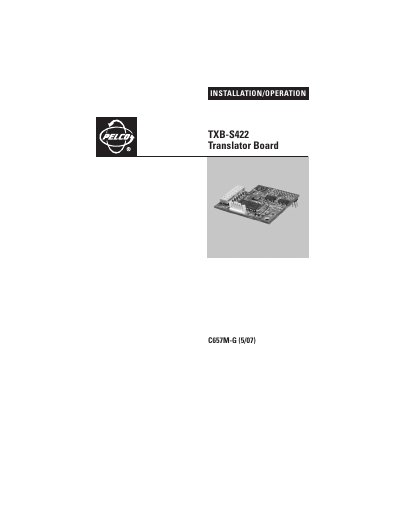

Pelco TXB-S422 Translator Board Installation and Operation Manual - cover page
Brand
Pelco
Document type
Installation Guide
Language
English
Pages
44
File format
PDF
File size
427 KB
Published
17 October, 2026
Updated
17 October, 2026
MD5 checksum
BD6A0C667D155437B4ABCAFE81DFE9F4

About this manual

The TXB-S422 translator board enables communication between Sensormatic controllers (such as RC58, RC216, and AD2083-02 Series) and Pelco's ExSite, Esprit, and Spectra video management systems. Once installed, the system converts commands from the controller into Pelco's D protocol.

What's inside

  • Important Safety Instructions
  • Regulatory Notices
  • Esprit Installation
  • Spectra III/Spectra IV Installation
  • Spectra Mini Dome Installation
  • ExSite Installation
  • Operation and DIP Switches
  • American Dynamics Camera Assignments
  • Troubleshooting

Specifications

Compatible ControllersRC58, RC216, AD2083-02 Series
Maximum Daisy Chain Distance4,000 ft (1,219 m)
Maximum Receivers per Chain10 receivers

Frequently asked questions

What systems does the TXB-S422 support?

It allows Sensormatic controllers to communicate with Pelco's ExSite, Esprit, and Spectra systems.

How do I terminate a daisy chain?

Set the termination setting on the DIP switch of the last unit in the chain to the ON position.

Does this board support SensorNet code commands?

No, the TXB-AD does not support SensorNet code commands.

Download PDF (427 KB)

More Pelco Manuals


View all Pelco manuals →