
This manual covers the installation, operation, programming, and specifications for the Pelco KBD100 Universal Keyboard used with CM6700 Matrix…
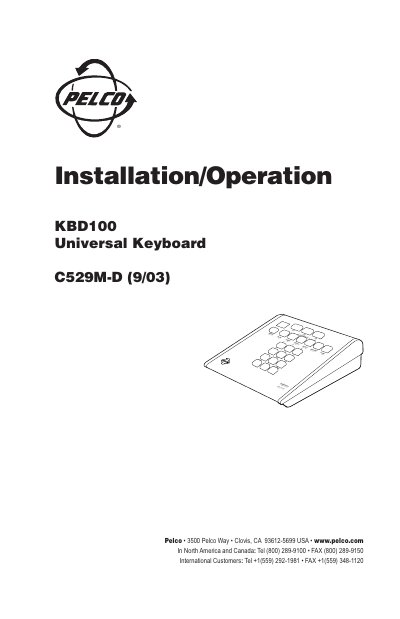
The Pelco KBD100 Universal Keyboard is designed to program and operate a CM6700 Matrix Switcher/Controller Unit (SCU). It provides economical system control for locations that do not require the full capabilities of higher-end keyboards like the KBD200 or KBD300 series. The device allows users to select cameras, view monitors, acknowledge alarms, and control switcher auxiliaries.
| Keypad Type | Electromechanical |
|---|---|
| Display Type | Red LED, 7-segment, 2 cells |
| Operating Temperature | 20 ° to 120 °F (-7° to 49°C) |
| Humidity Range | 10-90% non-condensing |
| Dimensions | 6.00 (W) x 7.125 (D) x 2.25 (H) inches |
| Weight | 1.9 lb (0.86 kg) |
| Input Voltage | 12 VAC or ±12 VDC |
| Power Consumption | 5 watts |
The maximum cable distance for RS-485 communication over 24-gauge wire is 4,000 feet (1,219 m).
No, the KBD100 does not provide lens control capabilities.
You may use a total of 8 different addresses between 1 and 16 with the CM6700 SCU.