
Technical specification sheet for the Pelco ES30C/ES31C Esprit Positioning System, detailing features like programmable camera settings, pan/tilt…
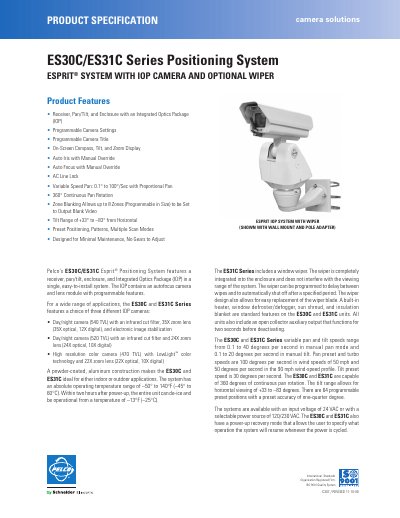
The Pelco ES30C/ES31C Esprit Positioning System is a single, easy-to-install unit that integrates a receiver, pan/tilt mechanism, enclosure, and an Integrated Optics Package (IOP). The IOP contains an autofocus camera and lens module with programmable features such as auto iris, auto focus, and electronic image stabilization. The system supports three different IOP camera configurations: Day/Night cameras with 35X or 24X zoom lenses, and a High Resolution Color camera with LowLight technology.
| Pan Rotation | 360° Continuous pan rotation |
|---|---|
| Tilt Range | +33° to –83° from Horizontal |
| Operating Temperature | -50°F to 140°F (-45°C to 60°C) |
| Input Voltage | 24 VAC or selectable 120/230 VAC |
| Preset Positions | 64 programmable preset positions |
| Wind Resistance | Operational in 90 mph Winds, Can Withstand Wind Velocity up to 130 mph |
| Video Output | 1 Vp-p, 75 ohms |
The ES31C Series includes a window wiper that is completely integrated into the enclosure.
Variable speed pan ranges from 0.1° to 40°/Sec in manual mode, with turbo speeds of 100°/sec.
Yes, the system features an autofocus camera with manual override.