
Operations manual for the Pelco C6708M-C Fisheye camera, covering web interface access, system configuration, firmware management, storage, network…
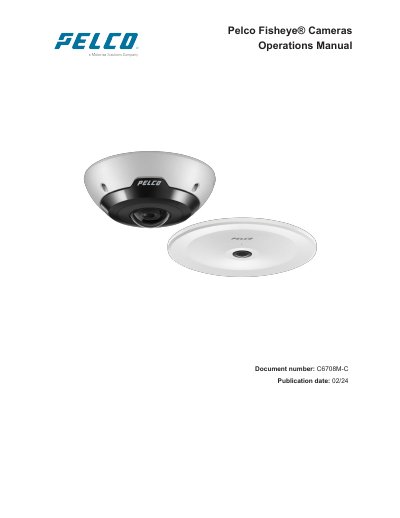
This manual provides instructions for operating the Pelco C6708M-C Fisheye camera via its web interface. It covers essential tasks such as creating initial users, logging in, and navigating the live view. The guide details how to configure general system settings, including camera identity, dewarp streaming modes, and power states.
| Supported Browsers | Microsoft Edge, Mozilla Firefox, Google Chrome |
|---|---|
| Default State | No default username and password |
| Auto Logout Time | 15 minutes of inactivity |
| Dewarp Streaming Modes | Full Feature, High Framerate, 90 x 4, 120 x 3, 180 x 2 |
The web interface can be accessed using Microsoft Edge, Mozilla Firefox, or Google Chrome.
No, cameras do not have a default username and password and are in a factory default state.
The web interface automatically logs the user out after 15 minutes of inactivity.