
Official user manual for Panasonic KX-MB1508 and KX-MB1528 all‑in‑one multifunction machines, covering installation, operation, and maintenance.
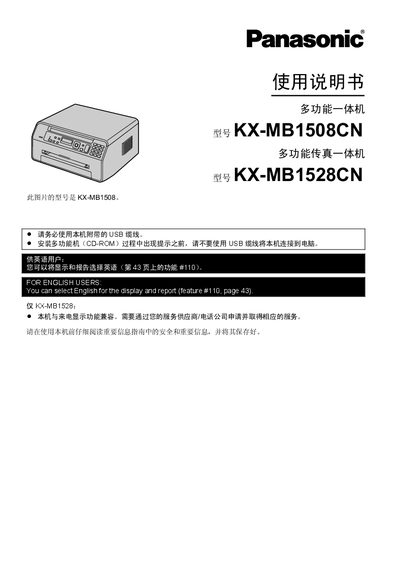
This manual provides step‑by‑step instructions for installing and configuring the Panasonic KX‑MB1508/KX‑MB1528 multifunction devices. It includes safety information, language selection, and detailed guidance for printing, scanning, copying, and fax functions.
Additional sections cover consumable handling, troubleshooting, paper‑jam removal, and specifications such as print resolution, power requirements, and environmental operating conditions. This manual is written in Chinese.
| Maximum print width | 208 mm (Letter/Legal), 202 mm (A4) |
|---|---|
| Maximum scan width | 208 mm |
| Scan resolution (optical) | 600 dpi – 1,200 dpi |
| Print resolution | 600 dpi |
| Power supply | 220‑240 V, 50/60 Hz |
| Operating temperature | 10 °C – 32.5 °C |
| Dimensions (W × D × H) | ≈380 mm × 360 mm × 203 mm |
| Weight (with accessories) | ≈9 kg |
Select English for the display and report via feature #110 on page 43.
Connect the power cord to a 220‑240 V, 50/60 Hz outlet.