
The Omron BP7425 series blood pressure monitor user manual provides safety guidelines, operation steps, maintenance tips, and specifications.
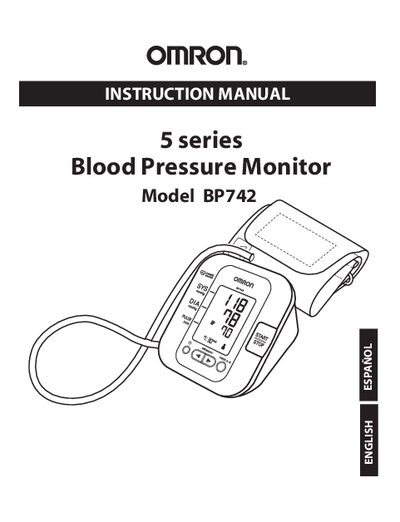
This manual explains how to safely set up and use the Omron BP7425 blood pressure monitor. It covers preparation, proper cuff placement, measurement procedures, and interpretation of results. Safety warnings, symbols, and special conditions are clearly described.
Additional sections detail battery installation, memory functions, troubleshooting, warranty information, and technical specifications. The document is bilingual (English/Spanish) and includes a quick‑start guide, detailed operating instructions, and care & maintenance recommendations.
The Irregular Heartbeat Symbol appears when the monitor detects an irregular rhythm two or more times during a measurement.