
Step‑by‑step guide for students to program and operate the Omron CP1H PLC using CX‑Programmer and related hardware.
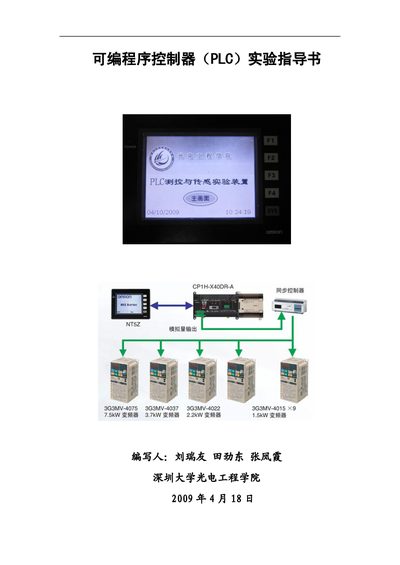
This document introduces the Omron CP1H‑XA40DR‑A programmable controller, the required hardware (USB and RS‑232C cables, touch screen, power supplies) and the CX‑One software suite. It explains how to set up the lab equipment and configure the programming environment.
The guide contains ten laboratory experiments covering basic PLC operation, ladder‑logic programming, timing, counting, analog inputs, data handling, shift instructions, jump/lock instructions, and step‑sequence control, plus an appendix with the I/O address table and reference literature. This manual is written in Chinese.
| Model | CP1H‑XA40DR‑A |
|---|---|
| USB Interface | Standard USB 1.1 port |
| Serial Interfaces | RS‑232C and RS‑485 |
| Communication Cables | USB and RS‑232C, 2 cables |
| Computer Requirements | CPU 586+, Windows XP, 16 MB ROM |
The PLC is programmed with CX‑Programmer, part of the CX‑One suite, which runs on Windows.
Two cables are needed: one USB cable and one RS‑232C cable.
It is the programmable controller that students program and operate during the laboratory exercises.