
The Omron BP791IT 10 Series Plus manual provides safety guidelines, operation steps, maintenance, and specifications for the home blood pressure monitor.
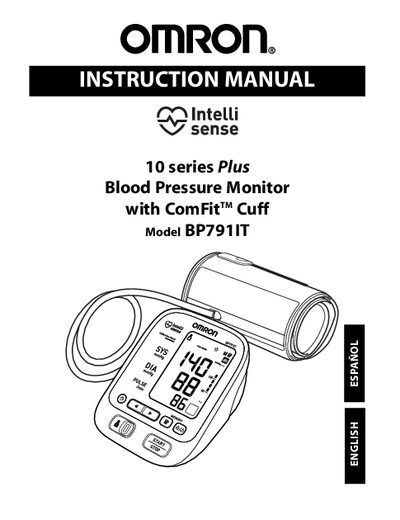
This instruction manual explains how to set up and use the Omron BP791IT 10 Series Plus Automatic Blood Pressure Monitor with ComFit™ cuff. It includes safety information, component descriptions, and step‑by‑step operating instructions for measuring blood pressure and pulse, as well as guidance on care, maintenance, and warranty.
Key features covered are the oscillometric measurement method, LCD digital display, memory for up to 100 readings per user, TruRead™ averaging mode, and optional software for health data management. Technical specifications such as measurement range, accuracy, power source, and cuff size are listed for reference.
| Measurement Range | Pressure: 0‑299 mmHg, Pulse: 40‑180 /min |
|---|---|
| Accuracy | Pressure: ±3 mmHg or 2 % of reading; Pulse: ±5 % of reading |
| Inflation Method | Automatic by electric pump |
| Power Source | 120 V 60 Hz AC adapter or 4 AA alkaline batteries |
| Battery Life | Approx. 300 uses (6 times a day with new batteries) |
| Operating Temperature | 5 °C to 40 °C (41 °F to 104 °F) |
| Cuff Size | Fits arm circumferences 9‑17 in (220‑420 mm) |
| Memory Capacity | Up to 100 readings per user |
The monitor can store up to 100 measurements for each user.
Register the product at www.register-omron.com.
The monitor uses the oscillometric method to measure blood pressure.