
Installation guide for the Noctua NH-U12S DX-4189 CPU cooler, covering compatibility, mounting steps, and warranty information.
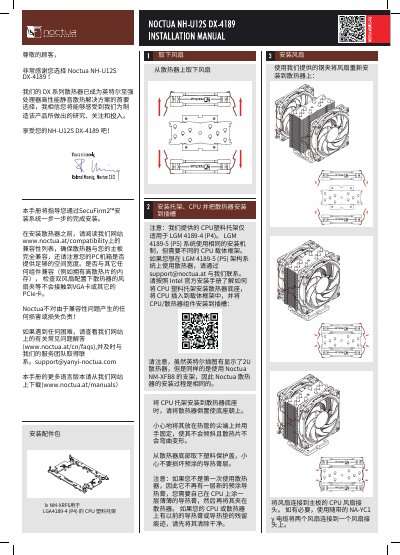
This manual walks you through installing the Noctua NH-U12S DX-4189 heatsink. It starts with a compatibility check, directing you to the Noctua website for supported motherboards and ensuring enough case clearance. The guide then details the required CPU plastic bracket for LGA4189‑4, fan mounting, and final placement of the cooler on the CPU.
Additional sections cover transport, handling, and warranty. Noctua provides a six‑year warranty and offers support via email. Safety notes include avoiding water on the cooler, handling the heat pipes carefully, and proper fan‑connector installation. This manual is written in Chinese.
| Supported socket | LGA4189-4 |
|---|---|
| Warranty period | 6 years |
Apply a thin layer of thermal paste yourself before attaching the cooler to the CPU.
The same mounting hardware can be used, but a different CPU carrier frame is required; contact Noctua support for the appropriate frame.
Handle the cooler gently, avoid excessive pressure, and keep it dry; Noctua is not liable for damage caused by transport stress.