
The Noctua NA-VC1 converts 24 V to 12 V for fans, offering PWM and voltage‑based speed control with built‑in protection.
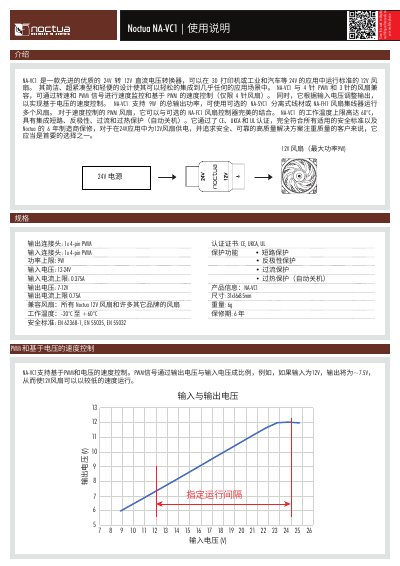
The NA-VC1 is a compact 24 V‑to‑12 V DC voltage converter designed for 3D printers, industrial and automotive applications. It supports both 4‑pin PWM and 3‑pin fans, allowing speed monitoring and PWM‑based control (for 4‑pin fans) as well as voltage‑based speed control.
The unit provides up to 9 W total output power, includes short‑circuit, reverse‑polarity, over‑current and over‑temperature protection, and complies with CE, UKCA and UL certifications. Optional accessories such as the NA‑SYC1 cable, NA‑FH1 fan hub, and NA‑FC1 controller expand its functionality. This manual is written in Chinese.
| Power limit | 9 W |
|---|---|
| Input voltage range | 12‑24 V |
| Input current limit | 0.375 A |
| Output voltage range | 7‑12 V |
| Output current limit | 0.75 A |
| Operating temperature | -20 °C to +60 °C |
| Dimensions | 31 × 16 × 8.5 mm |
The NA-VC1 includes short‑circuit, reverse‑polarity, over‑current and over‑temperature protection that automatically shuts the unit off.
Up to eight 12 V fans can be connected, with a total maximum power of 9 W.
Yes, after the unit cools below 60 °C, disconnect power for one minute and then reconnect to reset.
It has a 4‑pin PWM output connector and a 4‑pin PWM input connector for fan connections.