
The NOCTUA NF-P12 PWM fan user manual provides installation, operation, and safety instructions for the 4‑pin PWM fan.
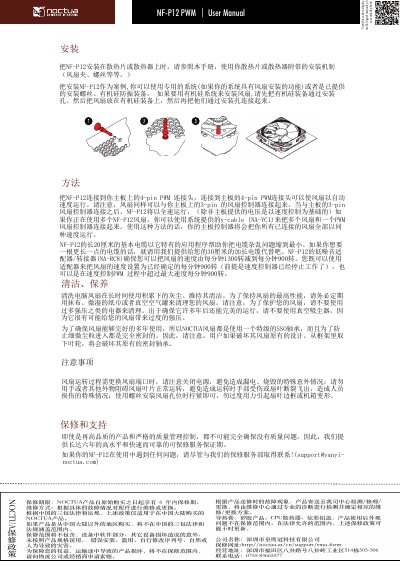
This manual explains how to install the NF‑P12 PWM fan, connect it to a motherboard using the supplied y‑cable (NA‑YC1), and adjust fan speed via the PWM signal. It also describes the optional controller (NA‑RC8) and the fan's 4‑pin PWM and 3‑pin connector options.
Safety precautions are highlighted, such as turning off power before replacing the fan, avoiding contact with the blades, and tightening mounting screws only enough to secure the fan without deforming the chassis. This manual is written in Chinese.
| Y‑cable model | NA‑YC1 |
|---|---|
| Dimensions | 1300 × 900 mm |