
User guide for Newland WD3 badge scanner with setup, programming, and communication instructions.
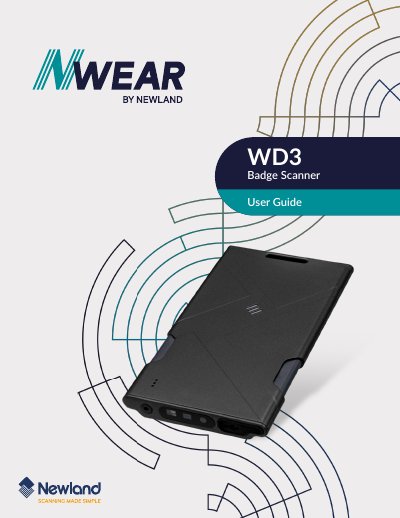
This user guide provides detailed instructions for operating and configuring the Newland WD3 badge scanner. It covers system settings, barcode programming, USB and wireless communication, and symbology support. The guide also includes configuration options for beeps, vibration, scanning modes, and decoding timeouts. It is intended for users who need to customize the scanner’s behavior for specific applications.
The manual includes technical specifications for barcode symbologies, including 1D and 2D formats like Code 128, EAN-13, UPC-A, QR, and Data Matrix. It also explains how to configure twin codes and handle special characters and ASCII mappings. The guide is structured into chapters covering setup, system settings, USB interface, wireless communication, and symbology configuration. This manual is written in Chinese.
The Newland WD3 is a badge scanner.