
User manual for the Newland HR2280-BT barcode scanner covering setup, programming, USB interfaces, wireless communication, and symbology configuration.
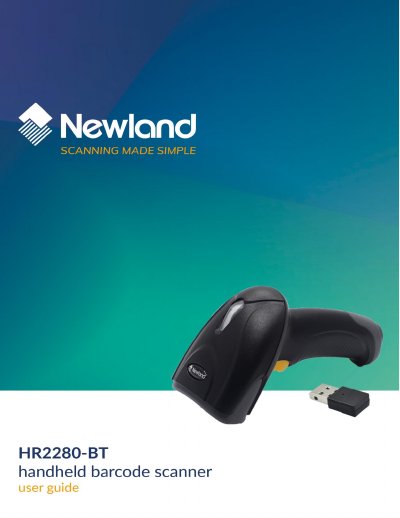
This manual provides comprehensive instructions for the Newland HR2280-BT barcode scanner. It includes a disclaimer, getting started guide, and detailed programming chapters for system settings, USB interface configuration, wireless communication modes, and symbology enablement.
The document covers programming via barcodes and commands, illumination and aiming settings, beeper and vibration feedback, scan modes, decode timeouts, USB HID keyboard and CDC interfaces, batch mode operation, and extensive symbology support including 1D, 2D, and postal codes. Each chapter includes factory default restoration and custom default options.
| Model | HR2280-BT |
|---|---|
| Manufacturer | Fujian Newland Auto-ID Tech. Co., Ltd. |
The scanner offers three options: Single 1D Code Only, Twin 1D Code Only, or Both Single & Twin.
The scanner offers three options: Single PDF417 Only, Twin PDF417 Only, or Both Single & Twin.
The scanner offers three options: Single QR Only, Twin QR Only, or Both Single & Twin.