
This quick installation guide covers the 5-step setup process, internet connection configuration, wireless security setup, and warranty information for the…
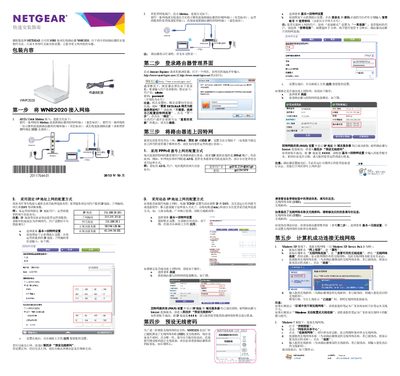
This document is a quick installation guide for the NETGEAR N300 Series Wireless Router WNR2020. It provides step-by-step instructions to complete the initial setup in five steps, including connecting the hardware, accessing the management interface, configuring internet connections (PPPoE, Static IP, or Dynamic IP), and setting up wireless security. This manual is written in Chinese.
| Ethernet Ports | 4 x 10/100Mbps Auto-sensing Ethernet ports |
|---|---|
| Internet Port | 1 x WAN port for ADSL/Cable Modem |
| Reset Button | Long press 1 to 3 seconds |
The default username is admin and the default password is password (all lowercase).
Press and hold the reset button for about 4 seconds until the power light flashes, then release.
The Internet port (WAN) indicator shows a steady green light when the connection is normal.