
User manual for the NETGEAR WN3000RP N300 WiFi Range Extender, covering installation, network management, and troubleshooting.
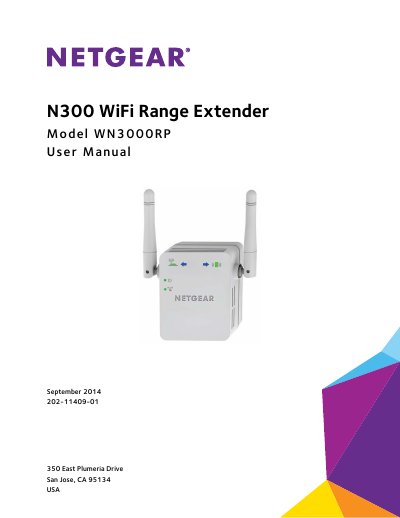
This manual provides instructions for the NETGEAR WN3000RP N300 WiFi Range Extender. It explains how the device works, how to install it as a range extender or access point, and how to manage network settings via the web interface. The guide includes steps for connecting via WPS or the Setup Wizard.
| Maximum wireless signal rate | Up to 300 Mbps |
|---|---|
| Network protocol compatibility | 802.11n, 802.11g, 802.11b |
| Power consumption | 100–240V 0.1 A, 50–60 Hz |
| Dimensions | 67 x 55 x 34 mm |
| Weight | 102 g ~ 110 g |
| Operating temperature | 0° to 40°C |
The default wireless network name is NETGEAR_EXT.
You can use the WPS button on the extender and the router to connect without typing the network name and password.
A solid red Router Link LED indicates a poor connection between the extender and the router.