
Installation guide for the NETGEAR WN3000RP N300 WiFi repeater, covering WPS and NETGEAR genie Smart Setup connection.
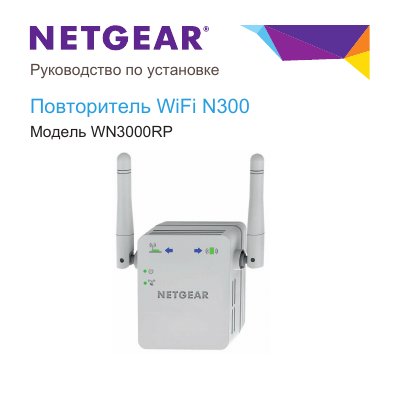
The NETGEAR WN3000RP N300 WiFi repeater extends the coverage of an existing WiFi network by retransmitting signals from a router or access point. The guide explains the front, side, and bottom panel controls, indicator behavior, and how to place and power the repeater.
It describes two connection methods: WPS and NETGEAR genie Smart Setup through a web browser, including the address www.mywifiext.net and login details. It also covers moving the repeater after initial setup and troubleshooting MAC address filtering. This manual is written in Russian.
| Model | WN3000RP |
|---|---|
| WiFi product type | N300 WiFi repeater |
| WPS security support | WPA or WPA2 |
| WEP with WPS | Not supported |
| Default setup address | www.mywifiext.net |
| Default login | admin / password |
Open a web browser and enter www.mywifiext.net, then log in with username admin and password password.
No. WPS does not support WEP; the guide directs users to NETGEAR genie Smart Setup instead.