
This manual covers setup, network configuration, internet settings, performance optimization, security management, and troubleshooting for the NETGEAR…
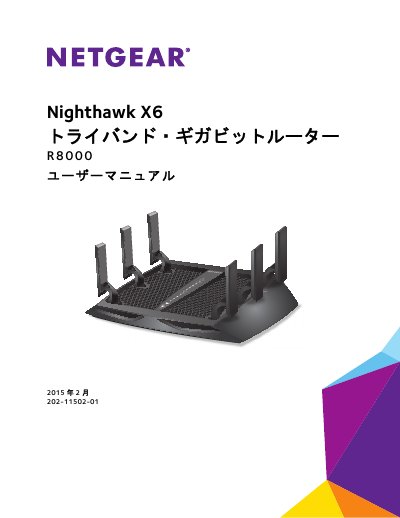
This user manual provides comprehensive instructions for the NETGEAR Nighthawk X6 R8000 Tri-Band Gigabit Router. It guides users through hardware setup, including antenna preparation and cable connections, as well as initial configuration via the NETGEAR genie interface. The document details how to connect the router to a network, configure internet access (including IPv6), and manage wireless LAN settings across three bands. This manual is written in Japanese.
| 2.4 GHz Band Speed | Max 600 Mbps |
|---|---|
| 5 GHz Band 1 Speed | Max 1300 Mbps |
| 5 GHz Band 2 Speed | Max 1300 Mbps |
You must register the product within 30 days of purchase to receive the free warranty.
It provides double the bandwidth of a typical dual-band router, making it suitable for connecting many wireless LAN devices.