
NETGEAR R7000 Nighthawk AC1900 Smart WiFi Router User Manual

User guide for NETGEAR R7000 Nighthawk AC1900 Smart WiFi Router covering setup, network configuration, QoS, USB sharing, VPN, and troubleshooting.
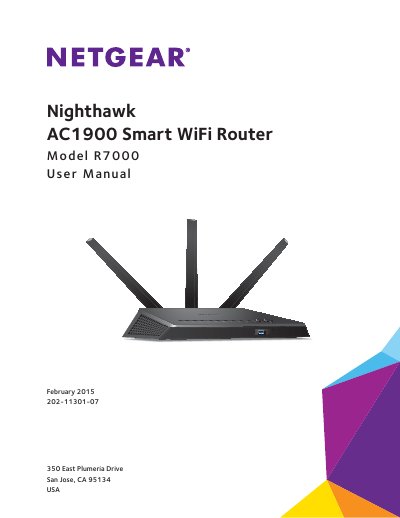

NETGEAR R7000 Nighthawk AC1900 Smart WiFi Router User Manual - cover page
Brand
NETGEAR
Category
Router
Document type
User Manual
Language
Chinese
Pages
176
File format
PDF
File size
10.7 MB
Published
15 November, 2026
Updated
15 November, 2026
Model
R7000
MD5 checksum
2EBF59C12315753A1079CB217A357518

About this manual

This manual guides users through setting up the NETGEAR R7000 Nighthawk AC1900 Smart WiFi Router. It covers hardware installation, network connections, performance optimization via QoS, USB device sharing, VPN configuration, and router management. Sections include troubleshooting tips and technical specifications. The router supports AC1900 WiFi speeds and features USB 3.0 for fast storage and media streaming. This manual is written in Chinese.

What's inside

  • Hardware Setup
  • Connect to the Network and Access the Router
  • Specify Your Internet Settings
  • Optimize Performance
  • Control Access to the Internet
  • Share USB Drives Attached to the Router
  • Access the Router’s USB Drive Through the Internet
  • Use the Router as a Media Server
  • Share a USB Printer
  • Specify Network Settings

Specifications

WiFi SpeedAC1900 (600 Mbps on 2.4 GHz, 1300 Mbps on 5 GHz)
ProcessorDual core 1 GHz
USB PortUSB 3.0

Frequently asked questions

What is the WiFi speed of the NETGEAR R7000?

The router supports AC1900 WiFi speeds: 600 Mbps on 2.4 GHz and 1300 Mbps on 5 GHz.

How do I access the router’s USB drive through the internet?

Set up FTP access through the internet using Dynamic DNS or a personal FTP server.

What is the processor speed of the R7000?

It uses a dual core 1 GHz processor.

Download PDF (10.7 MB)

More NETGEAR Manuals


View all NETGEAR manuals →