
This manual provides step-by-step instructions for installing and configuring the NETGEAR R7000 Nighthawk AC1900 smart router, including antenna setup and…
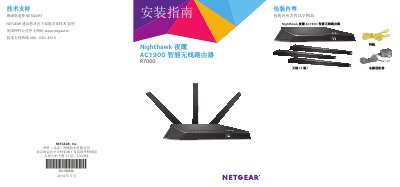
This installation guide covers the contents of the package, physical setup of the router including antenna placement, and connecting the device to a modem. It details how to power on the unit and establish an initial wired or wireless connection to a computer.
The document further explains how to access the router's management interface via a web browser using default credentials (admin/password) or the NETGEAR Genie wizard. It also provides instructions for downloading the Genie application and configuring advanced features such as USB sharing, iTunes server, VPN services, and private FTP servers. This manual is written in Chinese.
The default username is admin and the password is password.
NETGEAR recommends setting the middle antenna vertically upward and the side antennas at a 45-degree angle outward.
You can manually log in by entering www.routerlogin.net or www.routerlogin.com in your browser address bar.