
Step-by-step guide to install and configure the NETGEAR R6250 Smart WiFi Router, including modem setup, wireless connection, and router access.
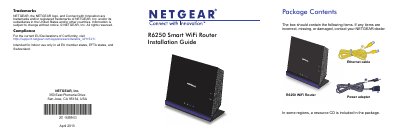
This guide walks you through installing the NETGEAR R6250 Smart WiFi Router. Start by preparing your modem, connecting it to the router, powering on the device, and connecting a computer. You can configure the router via the NETGEAR genie web interface or the NETGEAR genie app. The guide also covers joining the wireless network, accessing router settings, and using ReadySHARE for USB device sharing.
Connect your modem to the Internet port of the router using the yellow Ethernet cable that came with the router.
The default user name is 'admin' and the password is 'password'.
Launch a web browser, type www.routerlogin.net, and log in with the user name 'admin' and password 'password'.