
Quick setup guide for NETGEAR M53 5G mobile router including SIM card insertion, battery charging, WiFi configuration, and app download.
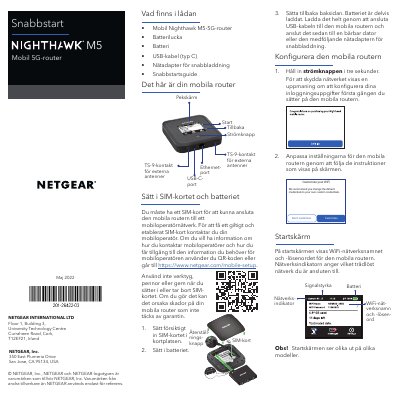
This guide helps you set up the NETGEAR M53 5G mobile router. Insert the SIM card and battery, charge the device using the included USB-C cable or AC adapter, and configure WiFi settings via the LCD screen or web browser. You can also download the NETGEAR Mobile app to manage your network.
The guide includes instructions for connecting to the internet, changing WiFi network name and password, switching WiFi bands, and using the LCD screen for network management. It also warns against using non-original accessories to avoid voiding warranty. This manual is written in Swedish.
Insert the SIM card carefully into the slot. Do not use tools, pens, or nails as they may damage the router and void warranty.
Connect the USB-C cable to the router and plug it into a laptop or the included AC adapter for fast charging.
Use the QR code provided in the guide to download the app from the Apple Store or Google Play Store.