
Installation and configuration guide for the NETGEAR GS516TP 16-port Gigabit Smart PoE switch, including setup steps and troubleshooting.
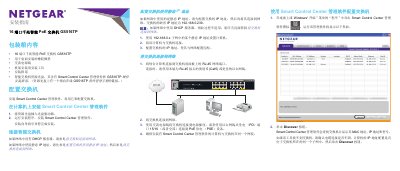
This document serves as an installation guide for the NETGEAR GS516TP 16-Port Gigabit Smart PoE Switch. It details the contents of the packaging, provides step-by-step instructions for installing the required Smart Control Center management software on a computer, and explains how to physically connect the switch to the network. This manual is written in Chinese.
The default IP address for the switch is 192.168.0.239.
You must use a Category 5 (Cat5) or better Ethernet cable with an RJ-45 connector.
The default password to access the login interface is 'password'.