
MW MW-1 electronic anemometer measures wind speed in multiple units, temperature, and wind chill, with LCD backlight and auto power off.
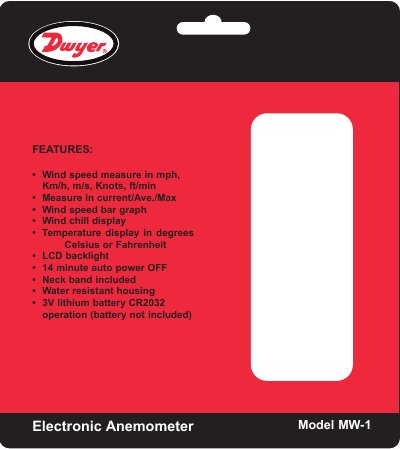
The MW MW-1 is an electronic anemometer that measures wind speed in mph, km/h, m/s, knots, and ft/min, with current, average, and maximum readings, a wind speed bar graph, wind chill display, and temperature in Celsius or Fahrenheit. It has an LCD backlight, water-resistant polycarbonate housing, 14-minute auto power off, and operates on a 3V CR2032 lithium battery. Directions cover battery installation, unit changes, measurement, and operating controls.
| Wind speed units | mph, km/h, m/s, knots, ft/min |
|---|---|
| Wind speed readings | Current, average, maximum |
| Wind speed bar graph | Included |
| Wind chill display | Included |
| Temperature display | Celsius or Fahrenheit |
| LCD backlight auto-off | 12 seconds |
| Auto power off | 14 minutes |
| Neck band | Included |
| Power supply | CR2032, 3.0 V |
| Temperature limits | 14 to 113°F (-10 to 45°C) |
| Humidity limit | ≤90% RH |
| Display size | 2.32 x 2 in (59 x 51 mm) |
| Housing | Water resistant polycarbonate |
| Weight | 1.84 oz (52.1 g) |
| Agency approvals | CE |
| Wind speed range | 0-30 m/s (0-5860 ft/min, 0-55 knots, 0-90 km/h, 0-65 mph) |
| Wind speed resolution | 0.1 m/s, 19 ft/min, 0.2 knots, 0.3 km/h, 0.2 mph |
| Wind speed threshold | 0.1 m/s, 39 ft/min, 0.1 knots, 0.3 km/h, 0.2 mph |
| Temperature resolution | 0.36°F, 0.2°C |
| Temperature accuracy | ±3.6°F, ±2°C |
Hold MODE for 2 seconds.
Press MODE and SET together; auto shut-off occurs after 14 minutes.
Hold Mode for 3 seconds until the display blinks, press SET to select a unit, then press Mode to accept.
Use a push-pin through the hole on the back of the unit.