
This document is a quick start guide for the Music Tribe STUDIO 50USB and MEDIA 40USB studio monitors, covering connections, controls, and usage.
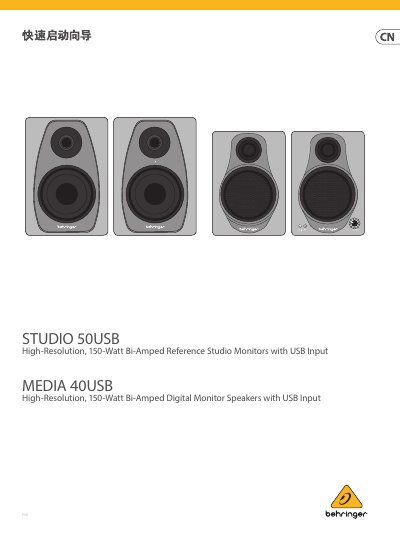
This document serves as a quick start guide for the Music Tribe STUDIO 50USB and MEDIA 40USB high-resolution, bi-amped reference studio monitors. It provides step-by-step instructions for connecting the monitors to audio sources and power, as well as guidance on controlling volume and input levels. This manual is written in Chinese.
| Maximum Output Power | 150 W |
|---|---|
| Crossover Type | Active |
| Crossover Frequency (STUDIO 50USB) | 2.5 kHz |
| Frequency Response (STUDIO 50USB) | 55 Hz to 20 kHz |
| Maximum SPL (STUDIO 50USB) | 100 dB @ 1 m |
| Power Supply | 100-240 VAC, 50/60 Hz |
The crossover frequency for the STUDIO 50USB is 2.5 kHz.
Both the STUDIO 50USB and MEDIA 40USB have a maximum output power of 150 W.
Place the monitors at head level, in an unobstructed listening position, equidistant from the left and right.