
Quick start guide for the X-TOUCH EXTENDER V 5.0, covering setup, control modes (MC/HUI/Ctrl), and configuration.
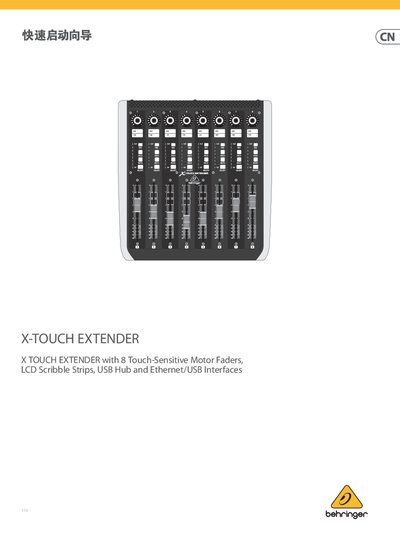
This document is a quick start guide for the Music Tribe X-TOUCH EXTENDER V 5.0, an audio controller featuring 8 touch-sensitive motor faders, LCD scribble strips, and USB/Ethernet interfaces. It supports HUI and Mackie Control (MC) protocols for seamless integration with music production software.
The guide covers essential setup steps including connecting the device via USB or Ethernet hub, powering on the unit, and navigating the configuration menu to select operating modes such as MC, HUI, Ctrl, and CtrlRel. It also explains how to assign physical controls like encoders and buttons for DAW mixing tasks. This manual is written in Chinese.
The device features eight touch-sensitive motorized faders that measure 100 mm in length.
There are two USB A type interfaces located on the back of the device for connecting external hardware.