
Instructions for operating multimedia podiums, central control systems, wireless presentation remotes, and wireless microphones in small and tiered classrooms.
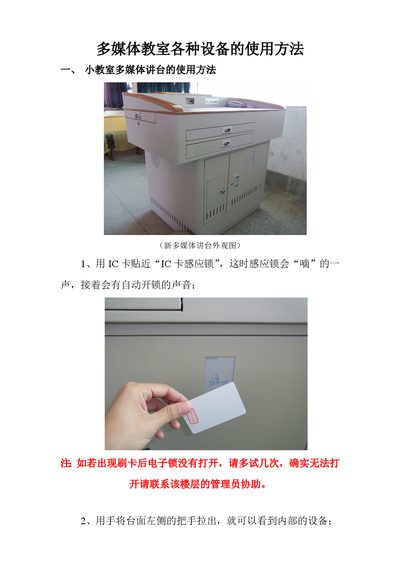
This manual provides usage instructions for multimedia equipment found in small classrooms and tiered lecture halls. It covers the operation of the multimedia podium, including IC card access, internal device access, and the central control panel for managing computers, projectors, and screens.
The guide also details the use of external devices such as laptops and wireless peripherals. Specific sections explain how to connect and operate a wireless presentation remote (laser pointer and page turner) and a wireless microphone system, including charging, pairing, and battery status indicators. This manual is written in Chinese.
Hold the IC card close to the 'IC Card Induction Lock' until the lock makes a 'beep' sound and unlocks automatically.
Connect the laptop to the podium using a dual-female VGA cable, then press the 'Manual Switch' button to change the signal transmission mode to 'Handheld to Projector'.
Turn on the microphone and place the infrared receiver port of the microphone within 1 meter and a 90-degree angle of the charger's infrared transmitter for registration.
It takes approximately 4 hours to fully charge the wireless microphone.