
Guide for connecting MoTec M400, M600 and M800 ECUs to AiM devices, covering firmware checks, CAN settings and channel protocols.
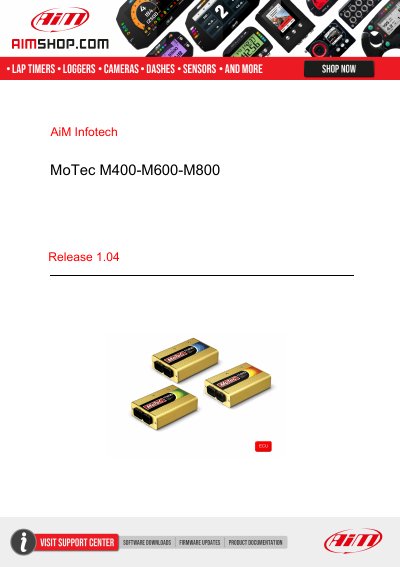
This tutorial explains how to connect MoTec M400, M600 and M800 ECUs to AiM devices. It lists mandatory prior checks for firmware and software, including selecting the ECU model according to firmware version and setting CAN communication parameters in MoTec ECU Manager 3.x.
The guide describes the CAN connection on the ECU's 26-pin "B" connector (B23 CAN+, B24 CAN-, B14 GND) and the AiM device configuration in Race Studio 2. It also lists the channels received under the MoTec M8XX-M600-M400, -1M_v3 and -500K_v3 protocols.
| Communication bus | CAN |
|---|---|
| ECU front connectors | A (34 pins) and B (26 pins) |
| CAN connector | B connector: B23 CAN+, B24 CAN-, B14 GND |
| CAN baud rate (firmware lower than 2.30S) | 400 kbit |
| CAN baud rate (firmware 2.30S or higher) | 1 Mbit |
| CAN baud rate (firmware 3.x) | 1 Mbit or 500 kbit |
| Configuration software | MoTec ECU Manager 3.x |
400 kbit.
The CAN bus is available on the B connector; B23 is CAN+, B24 is CAN-, and B14 is GND.
Yes, the connection requires GND to be connected too.
MoTec ECU Manager software 3.x is used to check or set communication parameters.