
The Mitel 6865i IP Phone User Manual explains button functions, basic call handling, advanced settings, and network configuration.
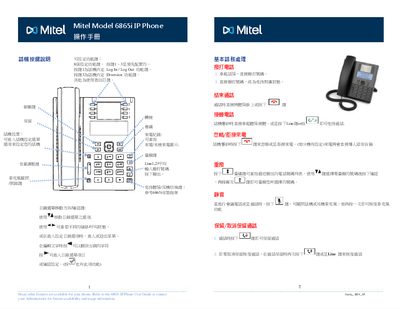
This manual provides detailed instructions for the Mitel 6865i IP Phone, covering the layout of the programmable keys, how to make and receive calls, and how to use features such as call transfer, conference calling, and call hold. It also describes how to customize function keys, speed‑dial entries, and how to access the phone’s web interface for further configuration.
Additional sections guide users through security settings like phone lock/unlock, password changes, volume and ringtone adjustments, language selection, and network connection options, including PoE support and IP address lookup. This manual is written in Chinese.
| Programmable keys | 8 |
|---|---|
| Power over Ethernet (PoE) | Supported |
Press the Settings key, select Phone Lock, and confirm to lock the phone.
Go to Settings → Preferences → Tones → Ring Tone, select a tone and confirm.
The phone provides eight programmable function keys.
Yes, the phone supports Power over Ethernet (PoE) interface.