
Quick-start guide for preparing, using and maintaining LogTag recorders, including software setup, configuration, LED patterns and troubleshooting.
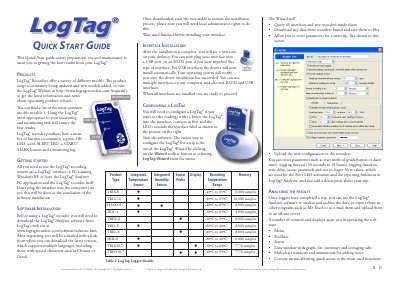
This guide covers preparation, use and maintenance for LogTag recorders. It explains common features such as the green OK LED, red ALERT LED, START/MARK button and mounting lug, and lists supported models with their temperature ranges and memory capacities.
It also describes software and interface installation, configuring a recorder with the LogTag Wizard, analysing results in LogTag Analyzer, interpreting LED patterns, customising software settings, maintenance, battery replacement, hibernation, calibration and basic troubleshooting.
| Logging interval | 30 seconds to 18 hours |
|---|---|
| Recording temperature range (TRIX-8) | -40°C to 85°C |
| Memory capacity (TRIX-8) | 8,000 samples |
| Recording temperature range (TRIL-8) | -80°C to 40°C |
You need the LogTag Analyzer PC application, downloaded from the LogTag website.
A PC running Windows XP or later.
Insert the recorder into the interface, start the software, and use the LogTag Wizard to enter trip parameters.
Clean them with a soft pencil eraser and avoid abrasive materials.