
Quick start instructions for preparing, using, and maintaining LogTag USB temperature recorders (USRIC-4, USRIC-8, UTRIX-16) including software setup and…
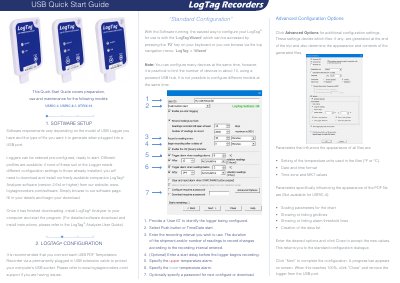
This guide covers the preparation, use, and maintenance of LogTag USB temperature recorders, specifically models USRIC-4, USRIC-8, and UTRIX-16. It details the software requirements for the LogTag Analyzer and provides step-by-step instructions for configuring the device using the LogTag Wizard.
| Compatible Models | USRIC-4, USRIC-8, UTRIX-16 |
|---|---|
| Software Version | 2.6r4 or higher |
| Battery Type | non-rechargeable Lithium Battery |
| File Formats | PDF, CSV, LTD |
You need to download and install the LogTag Analyzer software (version 2.6r4 or higher) from the website.
Press and hold the START/MARK button until the red and green LEDs start alternate flashing, then release.
No, none of the LogTag products can be immersed into liquids; you must observe the IP rating.
A single flash of the green OK indicator every 4 seconds indicates the logger is recording.