
This manual provides instructions for installing, configuring, and using LogTag Analyzer software version 2.5 to manage and analyze data from LogTag recorders.
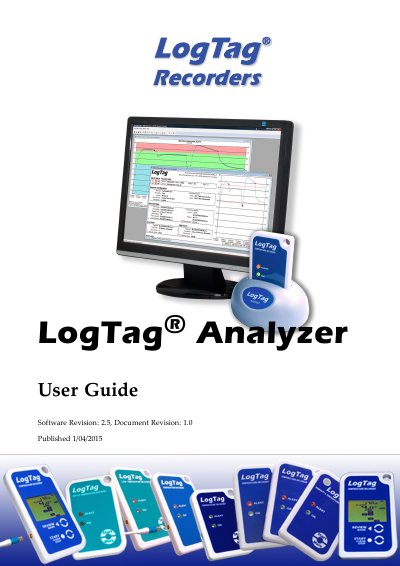
LogTag Analyzer Version 2.5 is software designed to download, configure, and analyze data from LogTag recorders. The guide covers system requirements, installation procedures, and how to connect the software to the hardware interface. It details the process of locating devices, downloading recorded data, and setting up configuration profiles for future use.
| Operating System | Windows XP SP2 or later, or Windows 2003 Server or later |
|---|---|
| Disk Space | 60MB |
| Screen Resolution | 1024 x 768 or higher |
| Screen Colors | 256 screen colours |
| Recommended RAM | 512MB |
The software can be downloaded from the LogTag Recorders website at http://www.logtagrecorders.com/software.php.
You can start the software by clicking the LogTag Analyzer icon in the Windows Start Menu.