
LogTag Analyzer Chinese User Manual, introduces the use of LogTag temperature recorder analysis software, including system installation, recorder settings, alarm settings, file access, and report generation
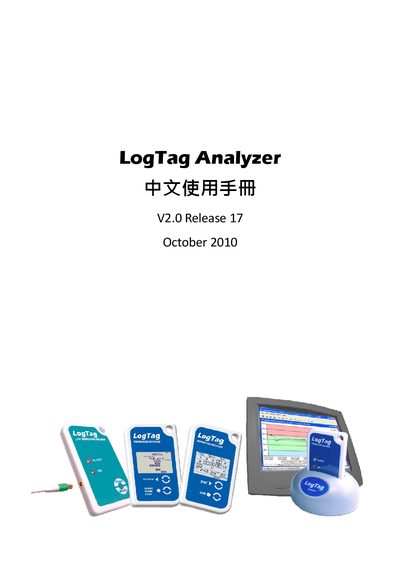
This guide covers the LogTag Analyzer software download, system requirements, and installation steps. It explains how to connect the device via USB, configure logging parameters, and set up alert thresholds.
The manual also lists technical specifications such as operating temperature range, dimensions, weight, memory capacity, and compliance certifications. Detailed instructions are provided for enabling pre‑start logging, recording intervals, and handling alerts.
| Operating temperature range | -40°C to +70°C |
|---|---|
| Dimensions (H×W×D) | 46 mm × 103 mm × 84 mm |
| Memory capacity | 8,032 readings (16 KB) |
The software can be downloaded from the LogTag website; a download request is completed automatically after you submit the form.
The software runs on Windows 2000, Windows XP, Windows Vista, and Windows 7.
Select the option “Enable pre‑start logging” in the configuration menu.