
The LogTag Analyzer 2.8 User Guide provides installation, configuration, and usage instructions for the LogTag Analyzer software.
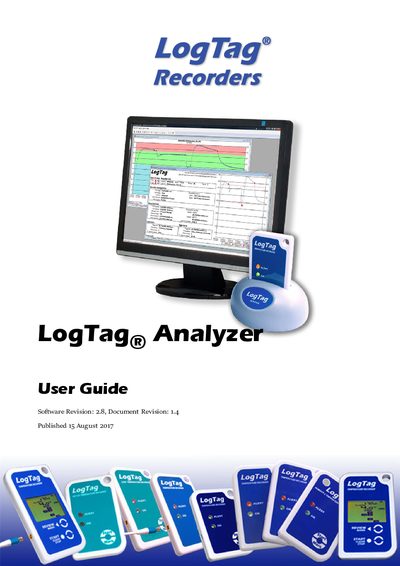
The LogTag Analyzer 2.8 User Guide explains how to install and operate the LogTag Analyzer software, which works with LogTag® recorders and indicators. It covers everything from initial download to advanced data analysis and reporting.
Key sections include system requirements, a quick‑start walkthrough, configuration of recorders and alerts, data collection, charting, export options, automatic email/FTP, and troubleshooting tips.
| Operating System | Windows 7 or later, Windows Server 2008 or later |
|---|---|
| Internet Browser | Internet Explorer 8.0 or later |
| USB Ports | 1 USB port (optional RS232 serial port) |
| Screen Resolution | 1024 × 768 or higher |
| Screen Colours (minimum) | 256 colours |
| Recommended Processor | Pentium IV or later |
| Recommended RAM | 512 MB |
| Recommended Screen Colours | 65 535 (16‑bit) colours |
You need a PC running Windows 7 or later (or Windows Server 2008 or later), at least 160 MB free disk space, Internet Explorer 8.0+, one USB port, a screen resolution of 1024 × 768 or higher, and 256 screen colours.
The software can be downloaded from the LogTag® Recorders website at http://logtagrecorders.com/software.
Open the Password entry screen, confirm the new password on the Password confirmation screen, and save the changes.
Configure the Basic SMTP settings in the software; these settings enable automatic emailing of data files.