
LogTag Quick Start Guide covers preparation, use and maintenance to assist you in getting the best results from your LogTag.
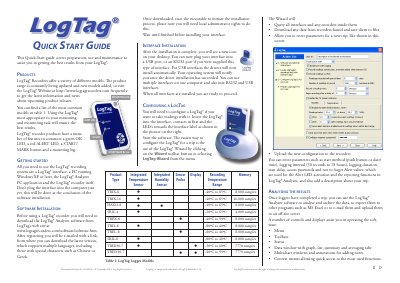
This guide helps you set up and use LogTag® recorders with their interface and software. It covers configuring the device, interpreting LED signals, and basic maintenance. The LogTag® system includes various models with different temperature ranges and memory capacities. For advanced features, refer to the full User Guide.
| Temperature Range | -40ºC to 85ºC |
|---|---|
| Memory | 8,000 samples |
| Logging Interval | 30 seconds to 18 hours |
| Alert LED | Single flash of red LED every 4 seconds |
You need the LogTag® Analyzer PC application, which can be downloaded from the LogTag® website.
Use the LogTag® Wizard in the software to query interfaces, download data, enter trip parameters, and upload the configuration to the recorder.
Green LED flashes indicate recording status; red LED flashes indicate alert conditions. Specific patterns indicate wake-up, start, or mark events.