
The manual provides product overview, specifications, wiring, settings, protection features and troubleshooting for the Leisai DMA860H digital two‑phase…
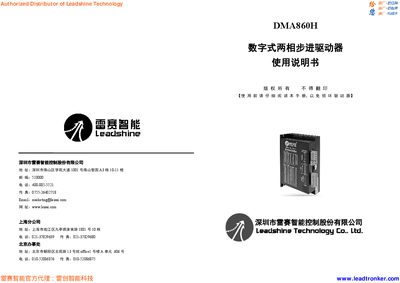
This document introduces the Leisai DMA860H digital two‑phase stepper driver, its key features, and typical application fields such as CNC machines, engraving and laser equipment. It includes electrical, mechanical and environmental specifications, as well as detailed wiring diagrams and signal timing.
The guide explains how to set current and micro‑stepping via DIP switches, select appropriate power supplies, choose compatible stepper motors, and connect the driver safely. Protection functions, common fault indications and a troubleshooting section help users resolve issues quickly. This manual is written in Chinese.
| Output peak current | 2.4 – 7.2 A |
|---|---|
| Input voltage (AC) | 18 VAC – 80 VAC |
| Control signal input current | 7 – 16 mA |
| Step pulse frequency | 0 – 200 kHz |
| Insulation resistance | 50 MΩ |
| Storage temperature | -20 °C – 65 °C |
| Weight | 570 g |
Use the eight‑position DIP switches SW1‑SW3 to select the desired peak current; the table lists settings from 2.40 A up to 7.20 A.
The driver includes over‑current/short‑circuit, over‑voltage, under‑voltage and other protection features.
Power the unit off and on again to reset the driver and clear the fault indication.
A supply of 48 VAC to 70 VAC is recommended for normal operation.