
The manual provides overview, specifications, wiring, current and micro‑stepping settings, power selection, motor selection, typical wiring examples…
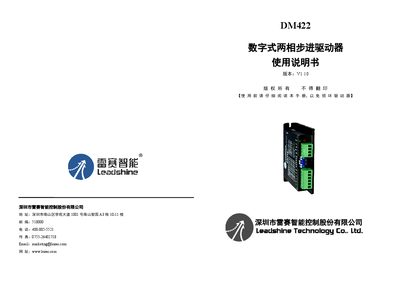
This user manual introduces the Leisai DM422 digital two‑phase stepper driver, describing its features, applicable applications and the basic operation principle. It lists the electrical, mechanical and environmental specifications, and explains the driver’s interface and wiring requirements.
The document also covers how to set output current and micro‑stepping via DIP switches or PC software, power‑supply selection, motor compatibility, typical wiring diagrams, built‑in protection functions, and a troubleshooting section with common issues and warranty information. This manual is written in Chinese.
| Output peak current | 1.0 – 2.2 A |
|---|---|
| Input supply voltage | 20 VDC – 40 VDC (typical 24 VDC) |
| Control signal input current | 7 – 16 mA (typical 10 mA) |
| Step pulse frequency | 0 – 200 kHz |
| Insulation resistance | 500 MΩ |
| Storage temperature | -20 °C – 65 °C |
| Weight | 190 g |
| Cooling method | Natural cooling or forced air cooling |
The output current is set with DIP switches SW1‑SW3 or via the PC software; the maximum is 2.2 A with a resolution of 0.1 A.
Turn off the power, check the wiring, then power the driver back on to clear the fault alarm.