
This manual provides instructions for installing, managing data, measuring, and creating 3D models using the Leica BLK3D Desktop software.
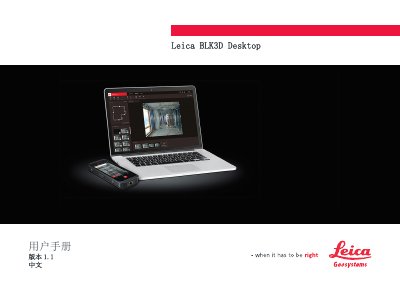
This document is the User Manual for the Leica BLK3D Desktop software, version 1.1. It serves as a guide for users to manage data collected by the BLK3D Imager, perform measurements, and create 3D models. The software requires a 64-bit operating system (Windows 8.1/10) with at least 6 GB of RAM to run properly. This manual is written in Chinese.
| Supported Operating Systems | Windows 8.1/10 |
|---|
It is software for organizing, measuring, and 3D-modeling data collected by the BLK3D Imager.
The minimum installation requirements are a 64-bit system, 6 GB RAM, and Windows 8.1/10.
Connect the BLK3D to the computer with a USB cable.
Meters, millimeters, yards, feet, inches, fractional feet, and fractional inches can be selected.