
Leetro P1 series motion control card user manual with installation, wiring, and debugging instructions.
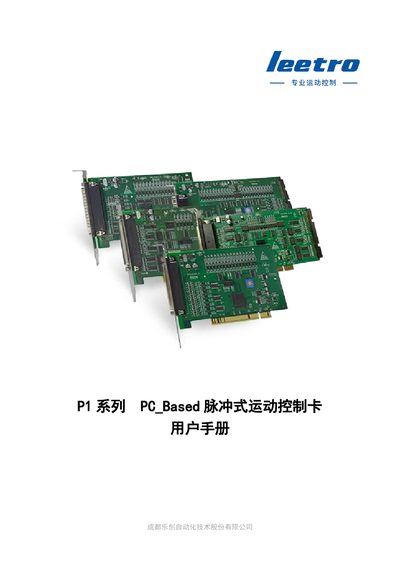
The Leetro P1 series motion control card is a PC‑based pulse controller for automation equipment. This manual provides a complete guide for product overview, installation, electrical connections, system debugging, and appendices such as signal‑board dimensions and wiring diagrams.
It is intended for software developers, system engineers, and field service technicians who need to install the card, configure its parameters, connect it to servos, stepper drivers, sensors, relays, and industrial cameras, and perform safe operation and troubleshooting. This manual is written in Chinese.
| 控制电源 | 24 VDC ±10 V, ≥2 A |
|---|---|
| 工作环境温度 | 0~50 ℃ |
| 工作环境湿度 | 10~90 % RH |
| 最大卡共用数 | 5 cards (up to 32 axes) |
The P1 series supports up to five cards sharing a system, with a maximum of 32 controlled axes.
When only a single control card is used, the dip‑switch on the card must be set to 0, which is the factory default.